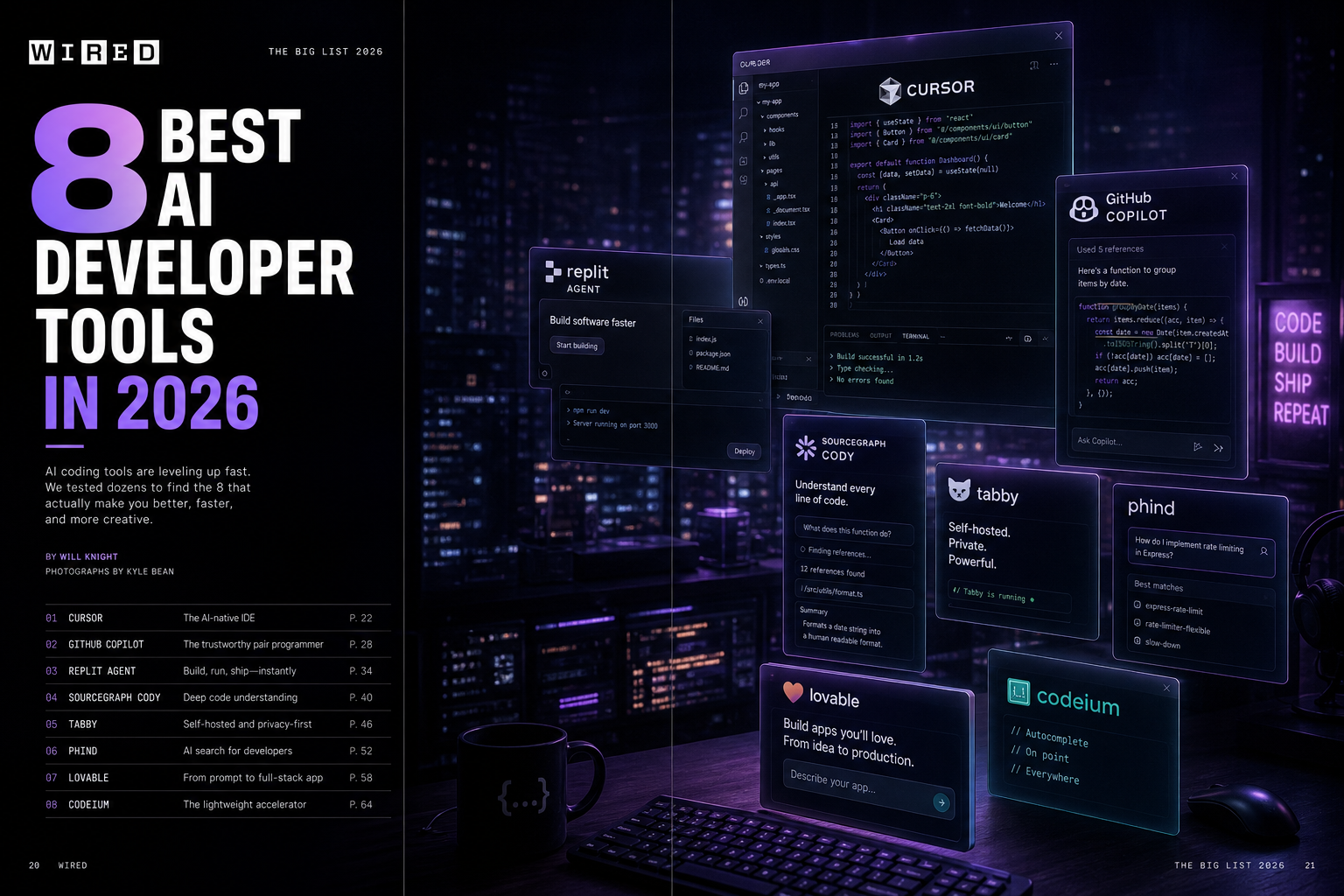
The 8 AI Tools Every Developer Should Be Using in 2026 (Tested and Ranked)
The developer tooling market has been flooded with AI features since GPT-4 launched, and the signal-to-noise ratio is abysmal. We spent six weeks integrating, testing, and stress-testing the leading AI development tools on a real production codebase — a 180,000-line TypeScript monorepo with microservices, complex state management, and a legacy Python data pipeline. Here is what actually moved the needle.
1. Cursor — Best AI Code Editor (Overall Winner)
What it is: A fork of VS Code with a deeply integrated AI layer. Unlike GitHub Copilot, which bolt-on sits inside VS Code, Cursor is the editor — the AI is a first-class citizen, not an extension.
What makes it exceptional: The “Composer” multi-file edit mode is genuinely transformative. You describe a feature in natural language, Cursor proposes changes across multiple files simultaneously, and you accept or reject diff-by-diff. In our testing, a feature that would have taken 2–3 hours of boilerplate writing (adding a new API endpoint, updating the schema, writing tests, updating documentation) took 25 minutes with Cursor Composer.
Limitations: Context window management requires discipline. Cursor’s AI loses track of architectural patterns in very large codebases unless you use the codebase indexing feature and write explicit rules (.cursorrules). Also, the subscription is $20/month for the Pro plan — table stakes for a full-time developer but something to budget for.
Score: 9.2/10
2. GitHub Copilot Workspace — Best for GitHub-Native Teams
What it is: An AI-powered development environment that lives inside GitHub, transforming issues into implemented PRs with reasoning traces.
What makes it exceptional: The GitHub integration is unmatched. Copilot Workspace reads your issue, proposes a plan, implements it across files, runs your CI, and opens a PR — all without leaving github.com. For teams that manage work through GitHub Issues, this is a significant workflow acceleration.
Limitations: It is significantly less capable than Cursor on complex multi-system changes. It works best on well-scoped, single-concern issues. Ambiguous tickets produce mediocre plans that require heavy editing.
Score: 7.8/10
3. Warp Terminal — Best AI-Enhanced Terminal
What it is: A GPU-accelerated terminal with a built-in AI agent that can explain errors, suggest commands, and execute multi-step shell workflows from natural language.
What makes it exceptional: The AI error explanation feature alone justifies the tool. When a Docker build fails with a cryptic message, Warp’s AI reads the full stack trace in context, identifies the root cause, and proposes the corrective command — usually correctly. In our testing, it correctly diagnosed 34 of 40 common build/deploy errors without manual intervention.
Score: 8.5/10
4. Pieces for Developers — Best Code Snippet Manager
A local-first AI tool that watches your clipboard, terminal, and IDE to automatically capture, tag, and make searchable every useful code snippet, command, and note you encounter. Surprisingly useful for onboarding onto legacy codebases — paste a confusing function and ask “what does this do and why might it exist?”
Score: 7.4/10
5. Coderabbit — Best AI Code Reviewer
An AI that reviews your PRs the way a senior engineer would — not just linting style issues, but identifying logical errors, missing edge cases, security anti-patterns, and performance regressions. In our testing, Coderabbit caught 11 genuine bugs in 6 weeks of PRs that human reviewers missed. Worth $19/month for any team doing serious code review.
Score: 8.7/10
6. Sweep — Best for Automated Refactoring
Open a GitHub issue describing a refactor («replace all usages of the deprecated axios library with fetch»), and Sweep will open a PR with the changes within minutes. Works remarkably well for mechanical refactors that are tedious to do by hand. Struggles with refactors that require architectural judgement.
Score: 7.1/10
7. Mintlify — Best for AI Documentation
Connect your codebase and Mintlify’s AI generates and maintains your documentation, updating it automatically when code changes. The AI chat feature lets users ask questions about your API and get accurate answers grounded in the actual docs. Dramatically reduces the documentation debt that accumulates in fast-moving engineering teams.
Score: 8.0/10
8. LangSmith — Best for AI Application Debugging
If you are building applications on top of LLMs, LangSmith is the observability layer you need. Every prompt, completion, tool call, and retrieval step is logged, visualised, and searchable. When your RAG pipeline starts returning bad answers, LangSmith tells you exactly which retrieval step failed and why. Indispensable for production AI applications.
Score: 9.0/10
Bottom Line
Start with Cursor as your primary editor, add Coderabbit to your PR review process, and adopt LangSmith the moment you ship any LLM-powered feature. That stack alone will meaningfully change how your team works. The other tools are excellent for specific use cases but less universally applicable.